
How to Convert PNG to SVG
A practical guide to turning PNG images into real SVG vector path files.
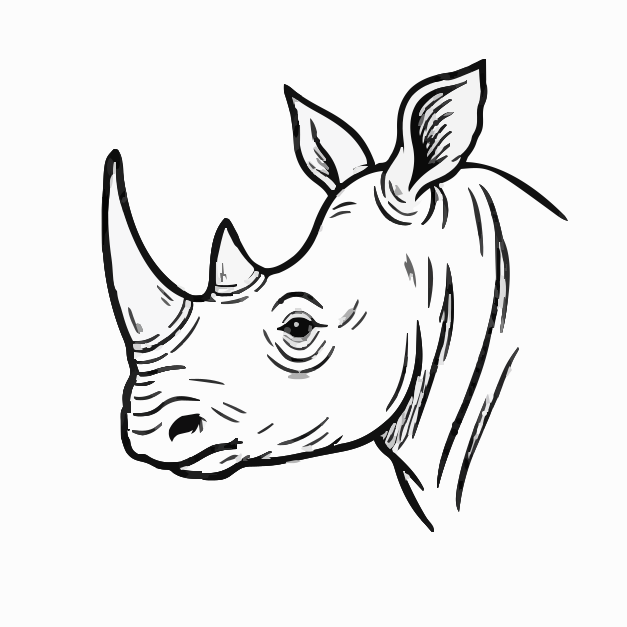
Start with the cleanest PNG you have
Vector tracing depends on the visible pixels in the image. A clean, high-resolution PNG gives the converter clearer edges and fewer noisy regions to trace.
Use the largest source image available.
Remove extra background noise before uploading.
Prefer transparent or white backgrounds for logos and icons.
Upload and preview before downloading
A good PNG to SVG converter should show the vectorized result before download. Previewing helps you catch rough edges, over-detailed photo traces, or artwork that needs cleanup.
Check that the result is real vector data
A real SVG conversion contains path elements. If the file only embeds the original PNG with an image tag, it will not behave like editable vector artwork.