
PNG to SVG Converter
Convert PNG, JPG, and WEBP logos, icons, illustrations, and photos into real SVG vector paths online.
Use this page when your source file is a PNG, JPG, or WEBP and you need a scalable SVG that contains editable path data.
Works best with logos, icons, badges, stickers, line art, and high-contrast artwork.
Generates SVG path elements instead of hiding the uploaded PNG inside an SVG wrapper.
Lets you preview the vector result before downloading the SVG file.
Try an example

Built around real vector output
The important difference is not the file extension. It is whether the SVG contains editable vector paths that stay sharp when scaled.
Common use cases
Use this converter when you need artwork that can scale, download, and move into real design workflows.

Brand marks
Turn flat logo PNGs into scalable brand assets for websites and product UI.
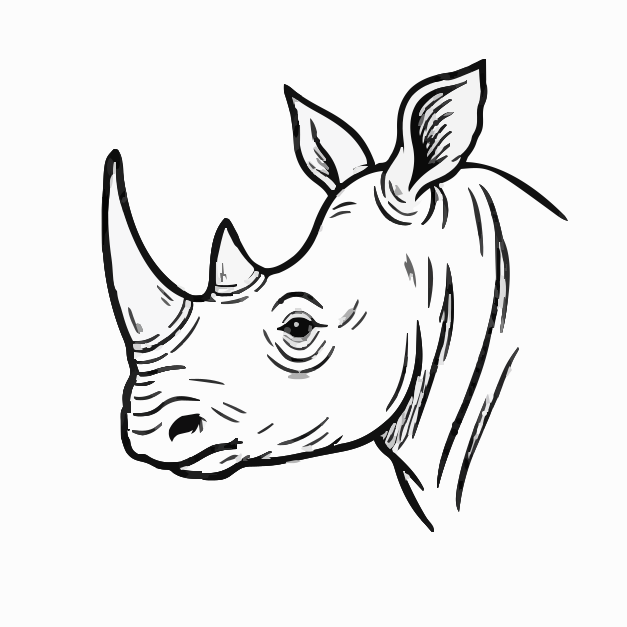
Line drawings
Trace crisp black-and-white drawings into clean SVG path artwork.

Decorative graphics
Vectorize patterns and badges that need to stay sharp across sizes.
Questions about png to svg converter
Can I upload JPG or WebP here?+
Yes. Upload PNG, JPG, JPEG, or WEBP files. JPG and WEBP sources are prepared in the browser before vectorization.
Will the SVG be editable?+
Yes. The result is SVG path data that can be opened in common design and vector tools.
Why do photos create larger SVG files?+
Photos contain many color transitions, so a vectorized photo usually needs many paths and becomes more stylized.
Related pages
Explore more ways to turn images, logos, and artwork into clean, editable SVG files.